Grammarly is undoubtedly one of the most widely used writing tools available. Grammar and spelling errors are caught in the free version, and style, clarity, and even tone suggestions are added in the premium edition.
But what if Grammarly Pro seems a bit too expensive, though? Or perhaps you’re simply searching for a tool that provides more for nothing.
The good news? You don’t have to rely just on Grammarly because there are multiple Grammarly alternatives out there. So let’s explore some free sites like Grammarly!
What Grammarly Does (and What It Doesn’t)

01-free sites like grammarly
Grammarly is an application or browser extension that instantly evaluates your writing on a variety of platforms, such as Facebook, WordPress, Microsoft Word, and more, for plagiarism, grammar, and spelling errors.
In fact, the name of this grammar program is your “Free Grammar Assistant.” However, like any writing program, there are undoubtedly some limitations, such as over-reliance on the paraphrasing tool, false positives, negatives, and the expense of a premium subscription.
What to Look for in a Free Grammarly Alternative
02-free sites like grammarly
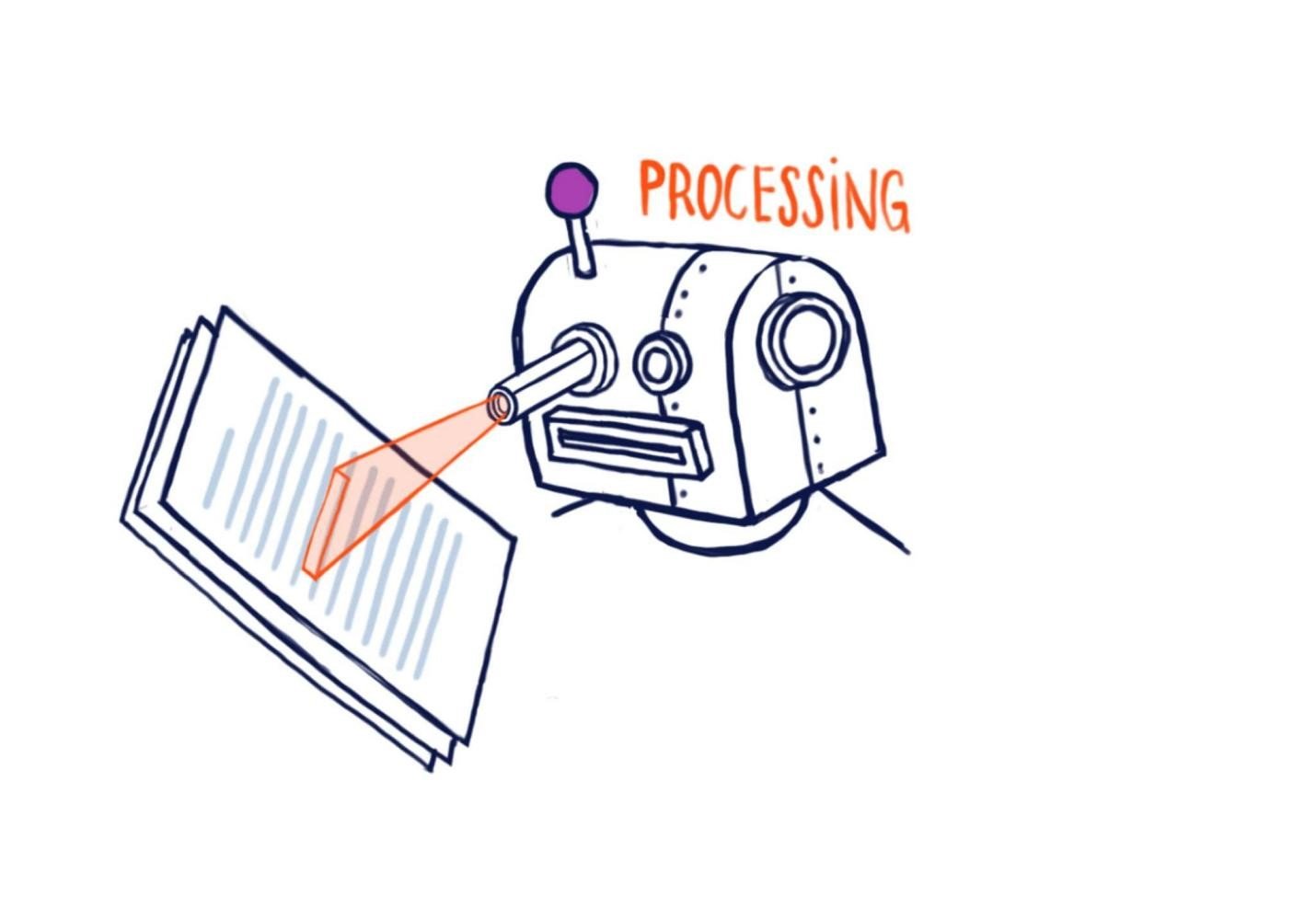
- Error-Free Writing: Look for a tool that provides you with real-time detection and correction of grammar, spelling, and punctuation errors.
- Improved Writing Style: Find a tool that provides insightful advice to improve your writing style in addition to fixing errors.
- Plagiarism Detection: Being unique is crucial for both professionals and students. So, always try to find a tool that comes up with this feature.
- Time Efficiency: Seek a program that can help with time-consuming tasks like editing and proofreading.
- Multilingual Support: Try to find a tool that supports a number of languages.
Top 10 Free Sites Like Grammarly
1. Oreate AI
Oreate AI Paraphrasing tool is the brainchild of the best tool out there. It paraphrases up to 10,000 words each time, providing the utmost among competitors. With it, you can choose from 9 rewrting styles to meet your needs.
Pros:
- It offers synonyms and conjugations.
- Supports 3 languages, namely English, Spanish and Arabic.
Cons:
- There is no plagiarism detector available.
- No highlights in the paraphrased content.
2. ProWritingAid
Are you looking for a tool that is easy to use but still provides the best services? Then look no further because you just found one, yes, we are talking about ProWritingAid.
Another full-service writing coach and grammar, spelling, and punctuation checker. Check your own and your words’ grammar, punctuation, and spelling with this tool.
Pros:
- It features an easy-to-use
- Robust web-based punctuation analyzer.
- Supports Scrivener, Open Office, Google Docs, and Microsoft Office.
Cons:
- Limited to one language – English , just like Grammarly.
- There are currently no mobile apps available from ProWritingAid.
3. WhiteSmoke
WhiteSmoke is more than simply basic software for checking grammar. It’s a comprehensive writing toolkit that offers a wealth of advice on how to improve as a writer.
Next to Grammarly, it’s the best all-around grammar and plagiarism checker. To sweeten the pot, they also include videos and seminars on writing.
Pros:
- More than one hundred pre-made resume templates.
- Fifty-five languages are supported.
- Checks over 16 different types of sentence constructions.
Cons:
- To use the Chrome extension, you must pay.
- Not quite as quick as Grammarly.
4. Writer
Writer is a fantastic substitute for Grammarly Business that works well for groups and companies. It applies style guides driven by AI writing assistant to your content to make it more accurate and consistent. Writer offers precise grammar corrections and perceptive error-pointing advice, making it a perfect choice for those who are looking for a reliable tool.
Pros:
- Its plagiarism detector is powerful.
- It is compatible with Google Docs, Word, and Chrome.
- Simple to use and very cooperative.
Cons:
- Lacks both a desktop and a mobile application.
- Not a free version.
5. Ginger
Ginger is among the most promising Grammarly substitutes available. Natural language processors are used by this incredible start-up to recognize and translate more than 60 languages, and artificial intelligence is used to keep your writing accurate.
You can browse, edit, and create documents from any location and sync them across numerous devices. It can help you rewrite your sentences free.
Pros:
- Its free version translates more than 60 languages.
- It even helps you learn grammar so you can speak English more fluently!
- Ginger rewords sentences to make them easier to read.
Cons:
- It doesn’t function on Google Docs.
- More expensive than other tools.
6. Hemingway Editor
Hemingway is a quick and effective strategy that mostly concentrates on producing easily readable texts.
The best tool for writers to produce material that is optimised is Hemingway Editor. To save time, it also enables them to post straight to WordPress and Medium.
Pros:
- Its UI is clear and simple to use.
- You can also work in offline mode.
- Reduces the need for repetition.
Cons:
- Poor grammar.
- Incapable of handling complicated data.
7. Virtual Writing Tutor
Here comes another best tool in the list, which is called Virtual Writing Tutor. It guides you through the full content writing process, as the name implies.
This tool mentors teachers and students to deal with all the problems related to grammar. It allows students to be given assignments directly from the tool itself and provides free proofreading instruction.
Pros:
- Completely Free.
- Outstanding client service.
- It is compatible with American, Canadian, and British English.
Cons:
- The writing style cannot be checked.
- Not available on Android.
8. PaperRater
A tool called PaperRater was created with the needs of students in mind. It offers quick and effective proofreading for any document or assignment you have to turn in.
Additionally, it includes style guides to improve the caliber of your writing and preserve coherence.
Pros:
- A free internal plagiarism detection tool.
- Provides insightful criticism on mistake detection.
- Offers active substitutes.
Cons:
- Restricted free version.
- Analyzes the text for a while.
9. Slick Write
Slick Write is a fantastic free tool for editing and proofreading your writing, along with standard spelling and grammatical checks,
It evaluates your content’s readability, adverb usage, reading duration, and structural flow. It has outlined the justifications for upcoming enhancements and offered substitutes.
Pros:
- It is compatible with LibreOffice, OpenOffice, and WordPress as a plugin.
- Both Firefox and Chrome can use the extension.
- Provides a list of words that are related to each selected term.
Cons:
- No tool for checking plagiarism is provided.
- Only accessible over the internet.
10. LanguageTool
Last but not least, as a complete editor, LanguageTool has many capabilities. It checks your writing in more than 20 languages and offers helpful information about mistakes.
And the best part? Wherever you write, the extension proofreads your work. So no more worries about grammar in your work because the language tool will have your back.
Pros:
- Straightforward analysis with colored mistakes for simple fixation.
- Gives users shortcuts on the keyboard so they can work more quickly.
- Possesses a customised dictionary.
Cons:
- It doesn’t proofread your writing.
- Plagiarism detection software is not accessible.
What If You Want More Than Grammarly?
03-free sites like grammarly
Grammarly is excellent, but it’s not the only game in town, though.
Fortunately, there are many reliable Grammarly substitutes that can cover the gap and quickly check for spelling mistakes.
And guess what? Oreate AI is the greatest all-around Grammarly substitute; it is precise, user-friendly, and supports 3 major languages. Moreover, it is less expensive than Grammarly. Isn’t it a great deal!
Conclusion
As you can see, there are a lot of free sites like Grammarly. It has a lot of competitors. Some are low-cost, while others include more advanced functions like language recognition.
Choosing an efficient editing program for everyday use is crucial because it improves the quality of your work and saves a ton of editing time!
Which tool will you use from the ones we shared with you above? Try Oreate AI Paraphraser if you’re searching for a free AI-powered tool to help you write better and rewrite like a human.